 d89a3a25d2
|
||
|---|---|---|
| .gitignore | ||
| gtm | ||
| readme.md | ||
| screenshot.png | ||

readme.md
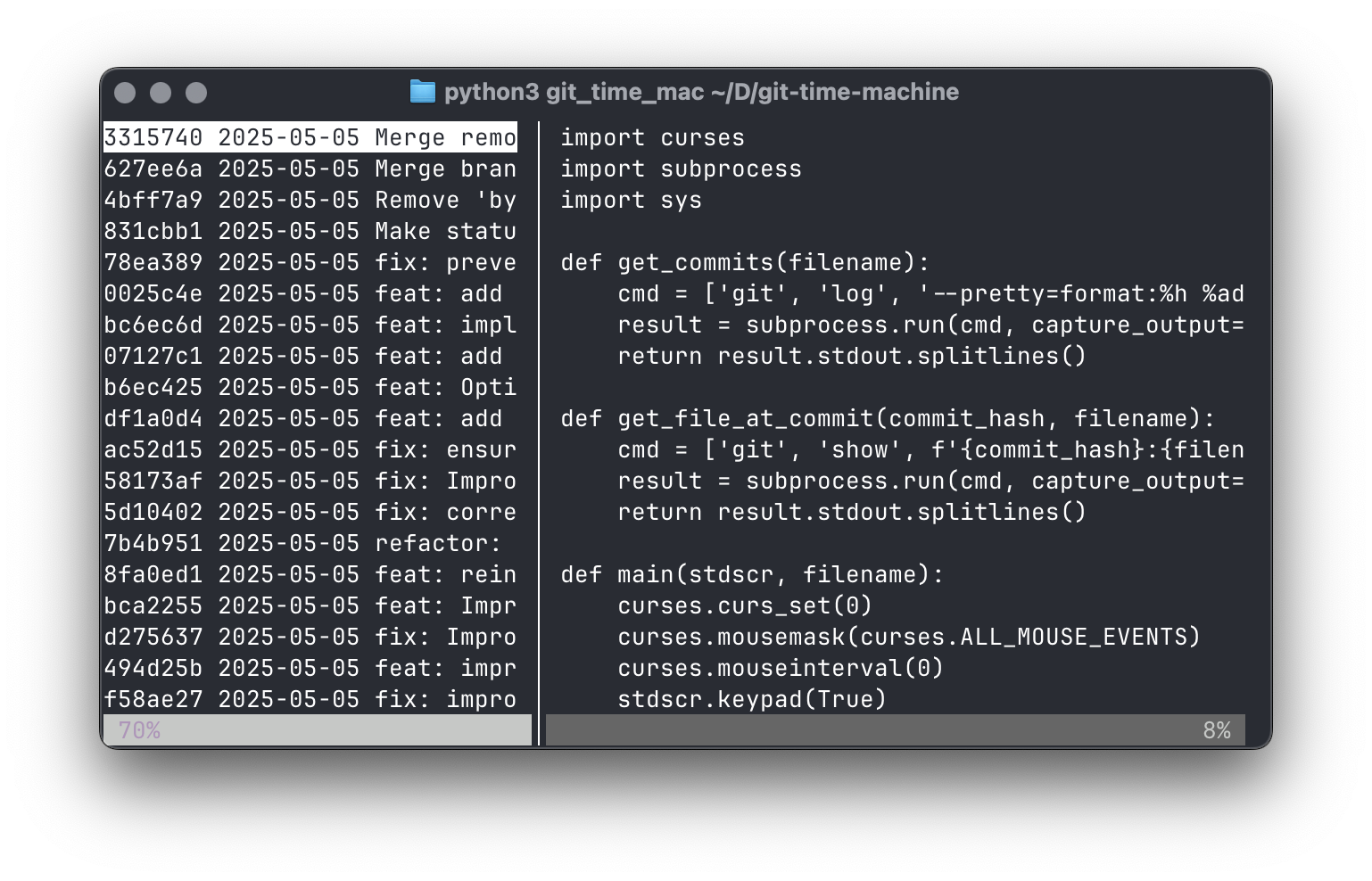
gtm: git time machine
Quickly browse through previous versions of a file.
Basic usage: gtm [filename]
Options
-h, --help        show this help message and exit
-d, --diff        Highlight newly added and deleted lines
--diff-additions  Highlight newly added lines in green
--diff-deletions  Show deleted lines in red
--no-mouse        Disable mouse support
--mouse           Enable mouse support (default)
--no-wrap         Disable line wrapping
--line-numbers    Show line numbers
-v, --version     Show version number
Interface
- Use the up/down arrow keys (or j/k) to switch commits in the left pane, or scroll through the file in the right pane
- Use the left/right arrow keys (or h/l) to switch panes
- Use the mouse to select commits, switch panes, and resize the panes by dragging the divider
- Press 's' to show/hide the sidebar
- Press 'm' to turn mouse support on/off
- Press 'w' to toggle line wrapping
- Press 'L' to toggle line numbers
- Press '/' to search within the file
- Press 'n' to jump to the next search match
- Press 'N' to jump to the previous search match
- Press 'c' to jump to the next change
- Press 'C' to jump to the previous change
- Press '?' to show help with all keyboard shortcuts
Text Selection
- Select text with the mouse to copy it to the clipboard
- Selection is automatically cleared when scrolling or changing commits
- Click on a commit hash in the status bar to copy it to the clipboard