 8bae7e1cfe
|
||
|---|---|---|
| .gitignore | ||
| gtm | ||
| gtm2.py | ||
| readme.md | ||
| screenshot.png | ||

readme.md
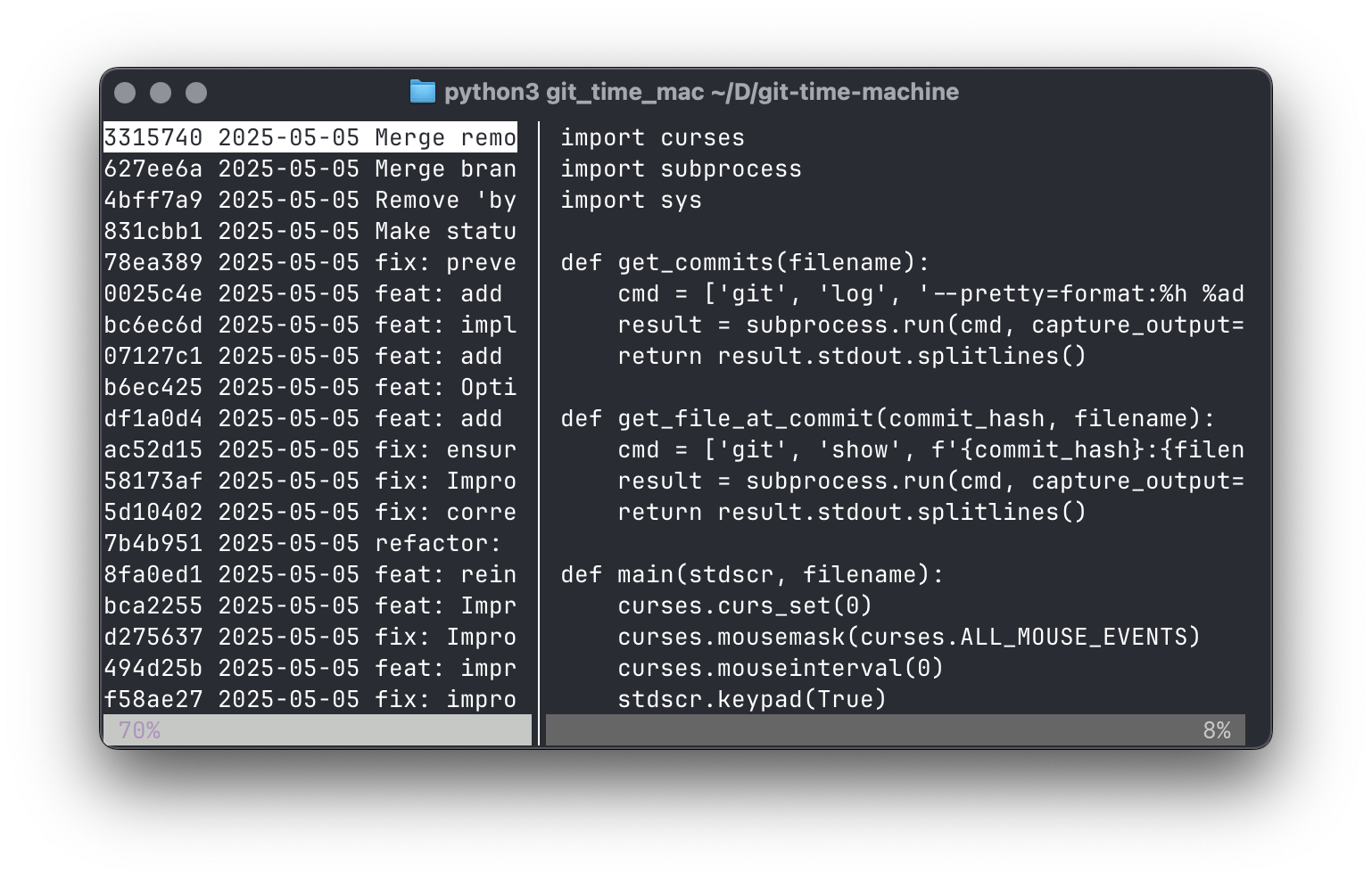
gtm: git time machine
Quickly browse through previous versions of a file.
Usage: gtm FILENAME
Use the up/down arrow keys to browse through commits in the left pane, or to scroll the file in the right pane. Switch panes using the left/right arrow keys, or by clicking the mouse. You can also use h/j/k/l for navigation, and page up/down to scroll.
Click and drag on the divider to resize the panes.