 14f0f5ea9f
for testing 2 3 4 5 6 7 8 |
||
|---|---|---|
| .gitignore | ||
| gtm | ||
| readme.md | ||
| screenshot.png | ||

readme.md
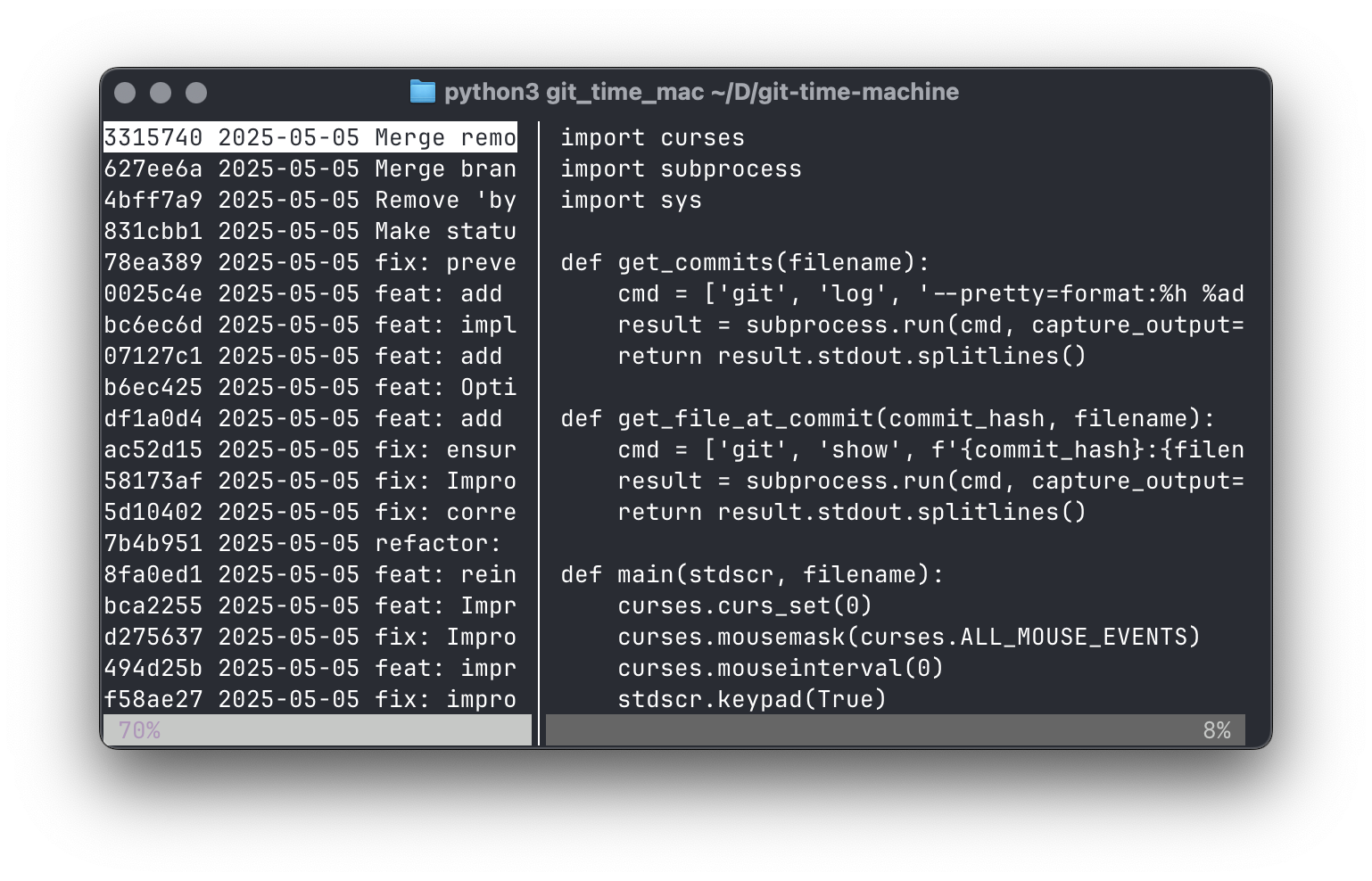
gtm: git time machine
Quickly browse through previous versions of a file.
Basic usage: gtm [filename]
Options
-h, --help        show this help message and exit
-d, --diff        Highlight newly added and deleted lines
--diff-additions  Highlight newly added lines in green
--diff-deletions  Show deleted lines in red
--no-mouse        Disable mouse support
-v, --version     Show version number
Interface
-
use the up/down arrow keys (or h/l) to switch commits in the left pane, or scroll through the file in the right pane
-
use the left/right arrow keys (or j/k) to switch panes
-
use the mouse to select commits, switch panes, and resize the panes by dragging the divider
-
press 's' to show/hide the sidebar
-
press 'm' to turn mouse support on/off
-
You can select text with the mouse, but you have to go a bit slowly. (Fixing that is on the TODO list.)